Bring the speaker’s slides and video into Presenter Free
In Presenter Free 2.1, you’ll be able to add a PDF or PowerPoint from your computer without signing in to SundayAssist. A PDF exported from Canva works the same way. Put the speaker’s slides alongside the songs and readings in the service order.
The direct Import from Canva option is also planned for Presenter Free. Sign in to the same free SundayAssist account in Presenter and in your browser, then approve access in Canva.
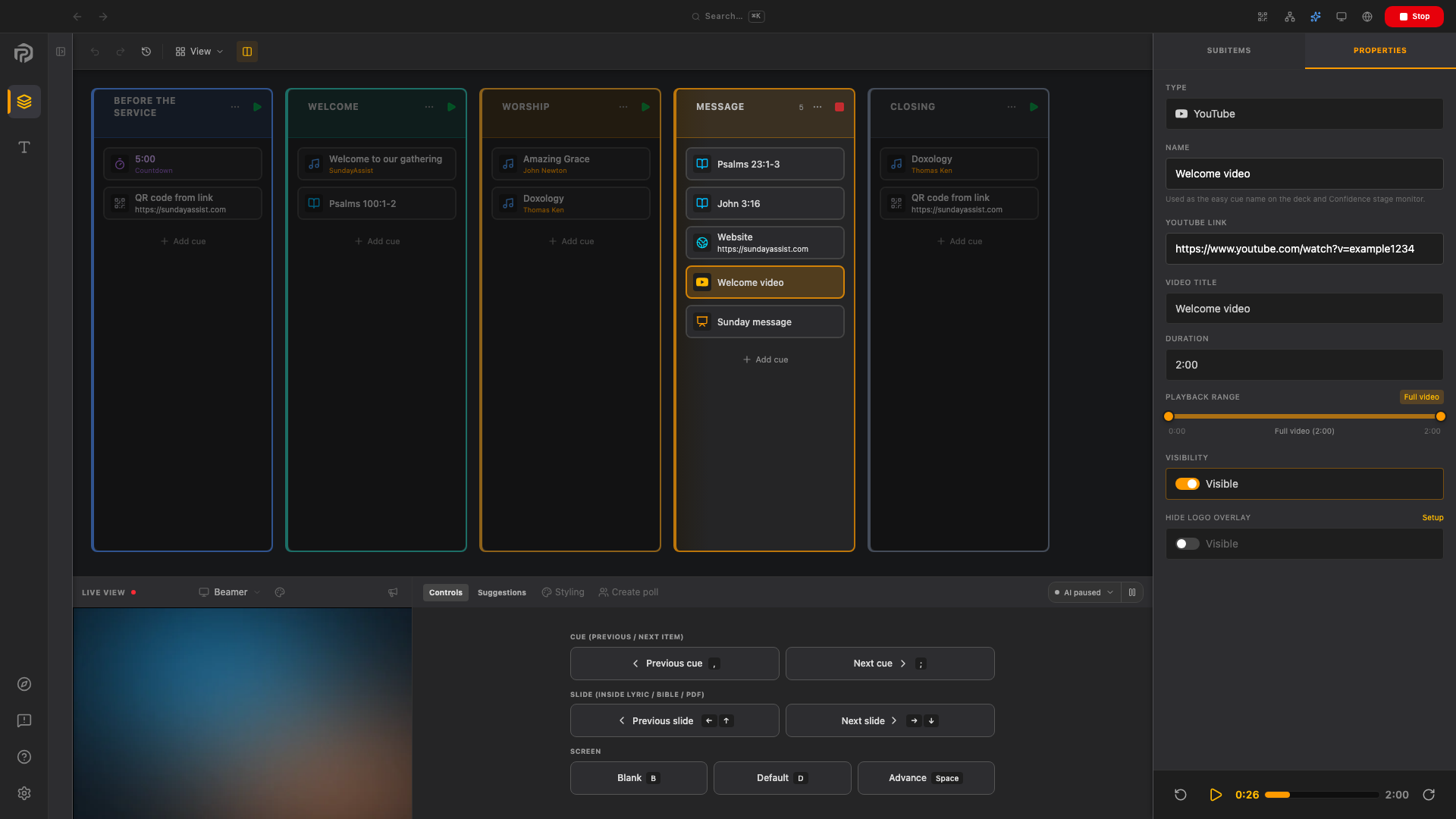
When Presenter 2.1 and its updated online player roll out, Presenter Free will play supported YouTube videos on screen without a SundayAssist account. Add the link as a visible cue in the service order and choose the part you want to show.
Playback needs an internet connection and a video that YouTube allows you to embed.
Make the welcome slide yourself
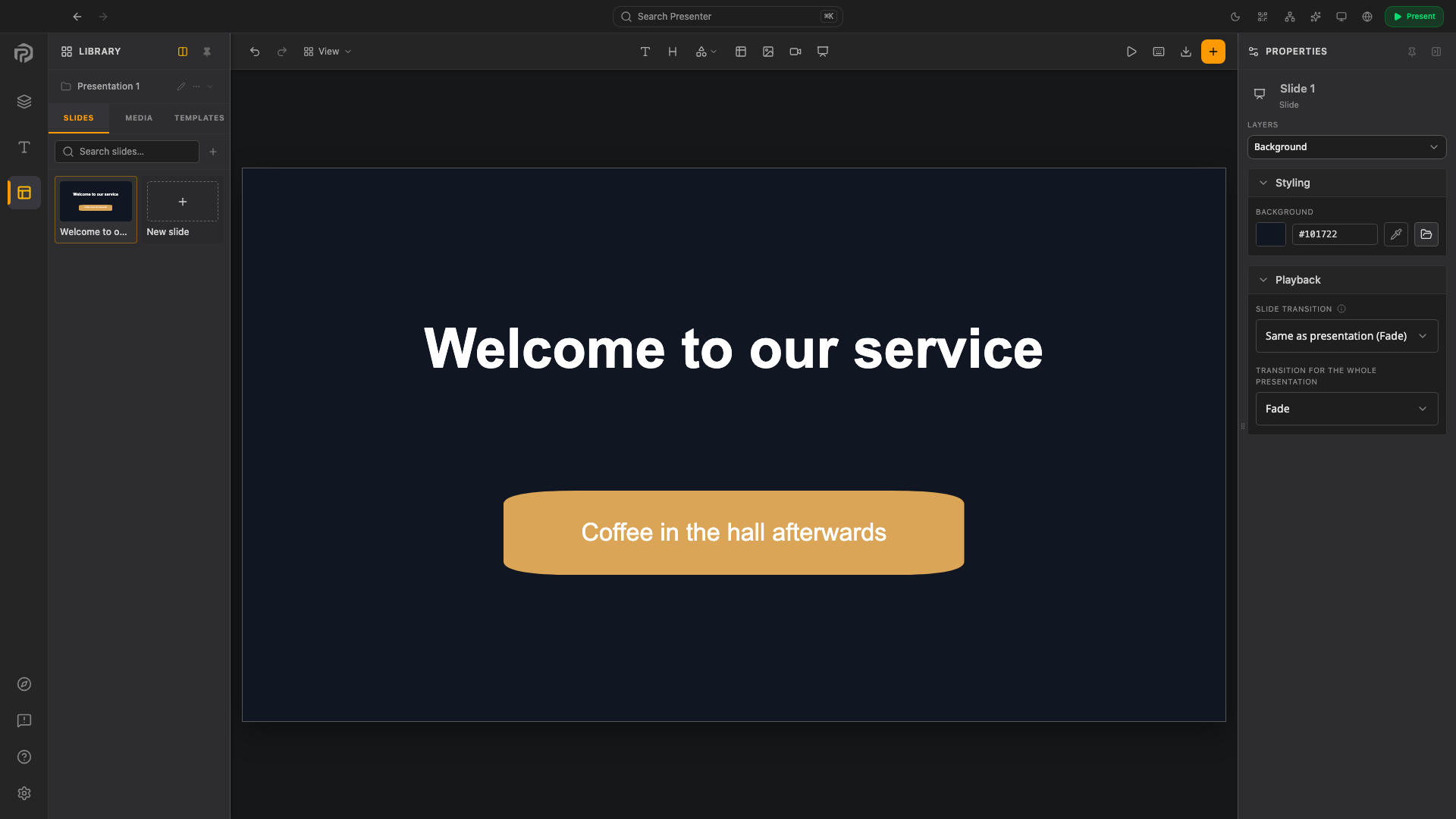
Start with a blank slide in Slide Builder. Add a heading, a photo or a shape. Put the coffee announcement on the welcome slide or give it a slide of its own.
In the planned 2.1 release, Slide Builder is included in Presenter Free. Save the welcome slide to the service order and open it next week to change the date.
Give the speaker notes they can read at a glance
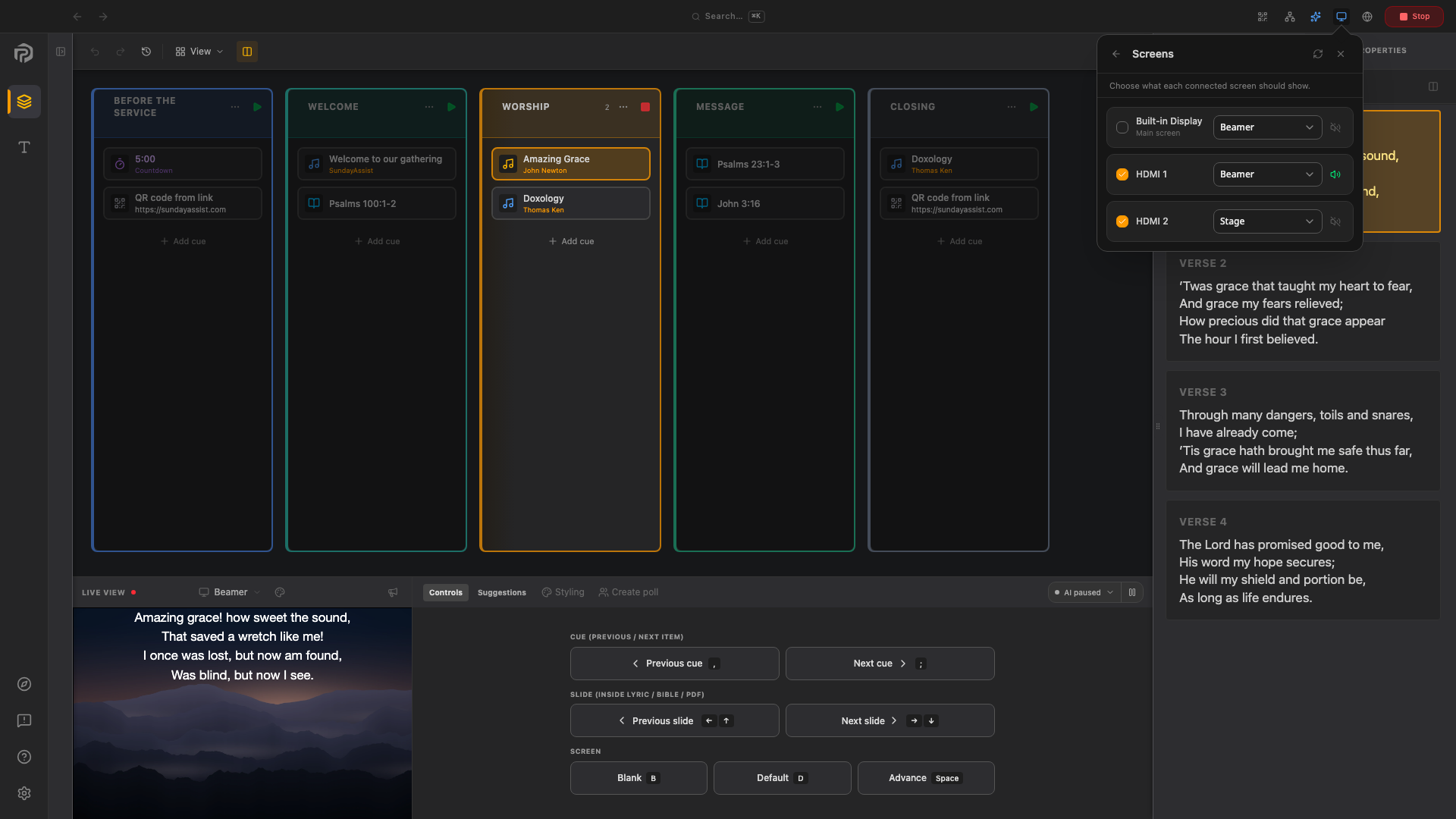
On a screen set to Stage, PowerPoint speaker notes or notes you add to a PowerPoint or PDF cue appear in large type. The previous, current and next slides sit below, with an amber outline around the current one. The main screen keeps showing the presentation.
With 2.1, the plan is to let Free use every audience and stage screen your computer supports. Your own screen stays available to run the service.
When the band sings the chorus again
The projection volunteer may also be mixing sound. Presenter Premium adds AI Auto-follow for moments like an unexpected repeat. The operator can take over at any time. Premium also includes eligible remote control over the internet.
A church can choose Presenter Premium at €19 a month or €190 a year. If the free tools meet your needs, choosing a paid plan is also a way to help keep them maintained for other churches.
You’ll be able to keep running the service without an account. If you want to move your settings to another computer, the planned optional backup will let a signed-in account keep up to 1 GB of portable settings. Songs, service files and media have separate backup terms.
Rehearse the handoff with another volunteer
From Presenter’s QR menu, share Viewer with someone who just needs to follow the slides. Share Controller with the volunteer who will advance them. Try one cue change together on the same Wi-Fi before the service.
A musician can scan the WorshipAssist QR on the church Wi-Fi to follow the songs. Someone reading the words and someone advancing the slides each get the right controls.
This is a preview of 2.1. The download page lists the versions you can install now.
The current direct download, Presenter 2.0.1, includes one free projection output alongside your control screen. A Free musician QR without an account needs the 2.1 desktop release. On church Wi-Fi the musician can open the song in a browser.