Play together as a band
In a band session, everyone sees the same song as the leader. When the leader moves to the next song, your screen follows.
Join a live band session
When a session is live, Band is live appears in WorshipAssist.
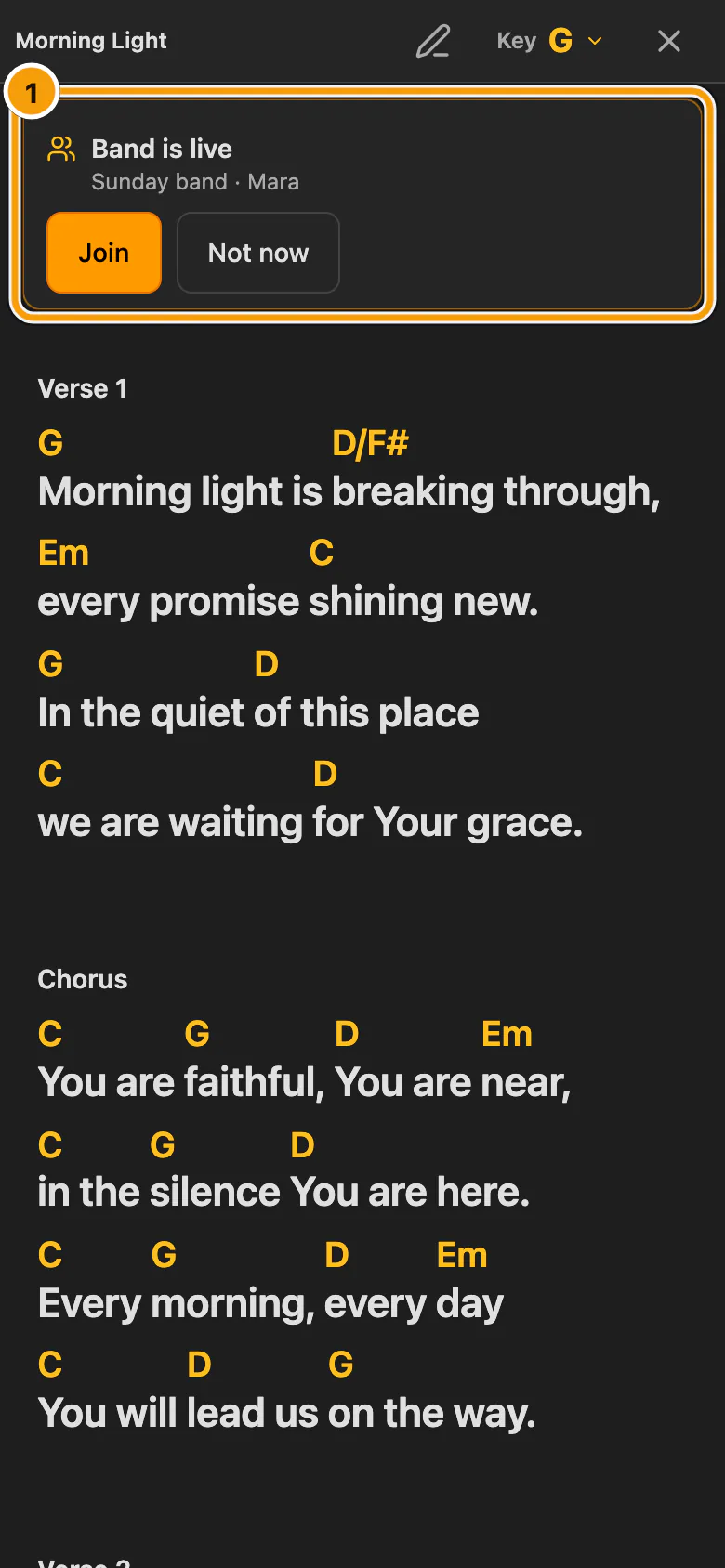
① Band is live, with Join and Not now
- Choose Join. When several sessions are live, choose Choose a session and pick yours.
- Not now hides the message. It does not appear while Practice on my own is selected.
You can also open Play together to join a session.
Follow the leader, or look ahead
An authorised leader starts the session and chooses its song source. If you choose another song yourself, following pauses on your device.
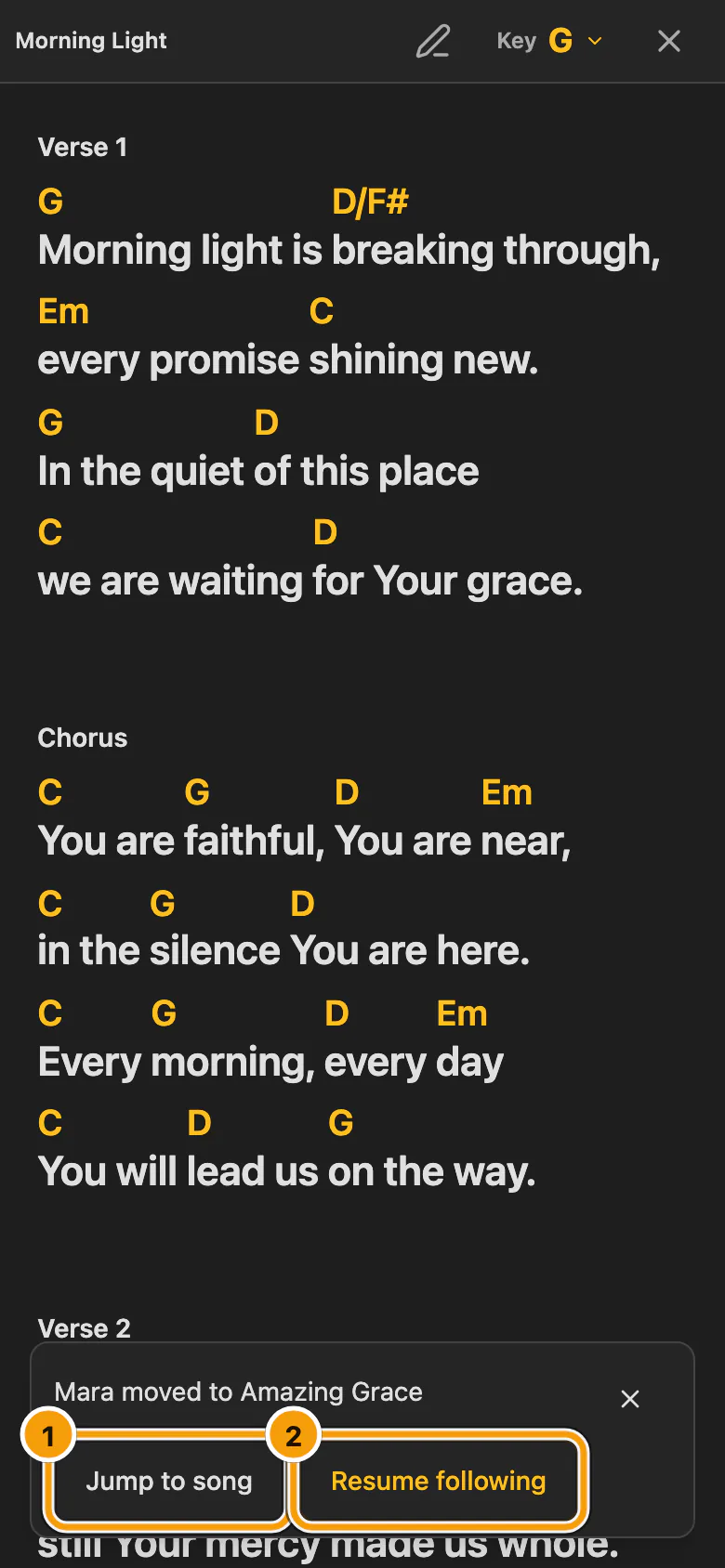
① Jump to song · ② Resume following
- Jump to song moves to the leader's song once.
- Resume following follows later song changes too.
On weak Wi-Fi, WorshipAssist keeps trying to share the leader's song change for several seconds. If that does not work, the leader is shown as playing on their own (Independent), with a way to try again. The newest song change always wins. Guests see when their session cannot be refreshed, and it refreshes as soon as they are back online.
Invite a visiting musician
For a visiting musician, share the session's guest QR or link. It gives reading access to that session's music only, without general library or editing access.
- In Play together, choose Share session.
- If no guest link exists yet, choose Create guest QR. Opening the dialog never creates one.
- Let the guest scan the QR, or send the link.
An email invitation from the dialog extends the guest window only after the email provider accepts it, and sending requires the church's completed email settings. Replacing the QR makes the old link stop working.
How long guest access lasts
- The guest window is 24 hours from creation or renewal. It ends earlier if the session ends or sharing is revoked.
- Opening the sharing dialog again does not extend access. Renew guest access gives guests another 24 hours from that moment.
- A band session ends when its leader ends it, or after 12 hours without activity from the leader, and never lasts longer than 24 hours.
- Signed-in musicians with their own active WorshipAssist, Connect or Complete subscription, or one in its trial, can continue in the same session until it ends.
- If your band's access ends, a session that is already running continues until it ends. New sessions and new guest links need active access.
See also guest session access in Connect.