WorshipAssist: your band's music workspace
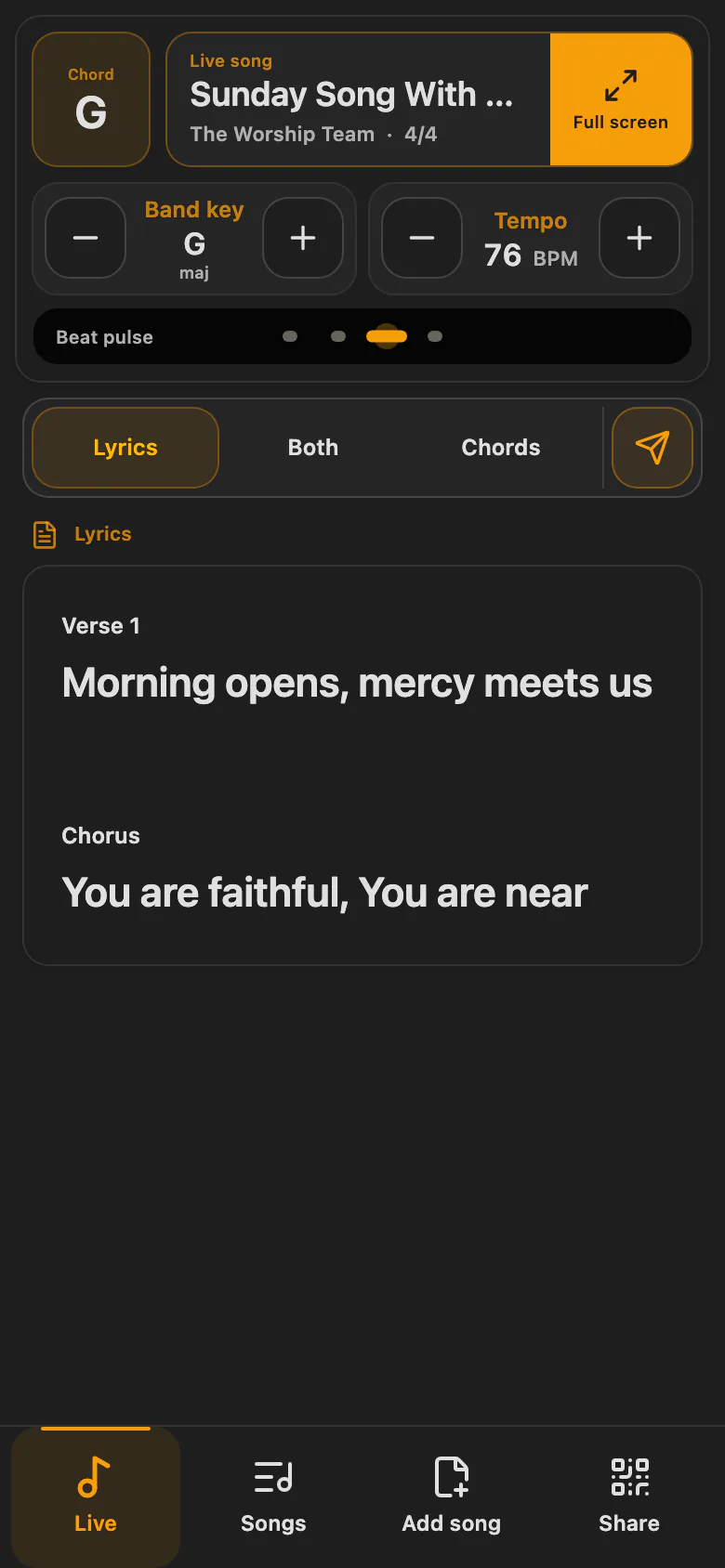
WorshipAssist is the music stand for your band: songs, chords, setlists and shared band sessions on a phone, tablet or computer. Connect and Complete include WorshipAssist for the church's music workspace, so the songs and setlists you prepare in Connect are ready for your musicians. This guide covers what a Connect organiser needs. Musicians find step-by-step guides in the WorshipAssist Help.
Check your church's access
- An active WorshipAssist, Connect or Complete subscription covers the workspace's invited musicians. Each musician does not need to buy a separate subscription.
- Connect and Complete include WorshipAssist for the church's music workspace, with its Connect setlists. A band without Connect uses its own WorshipAssist subscription.
- Eligible workspaces can start a 28-day music trial. It ends at the end of its final day in the organisation's time zone (Europe/Amsterdam unless another time zone is set).
- Connect's free Basic plan does not include continued WorshipAssist access after that trial.
- Each person's role also determines whether they can read, edit or manage the workspace.
See current plans.
Prepare songs and setlists for the band
- Open Songs to search or edit your shared library. Use inline chords such as
[C]Amazing [G]grace, and check the song's default key. - Open Setlists to select and order songs; a song that appears twice can have a different key each time.
- Wait for the saved result before sharing.
Songs and setlists explains editing, translations, imports and key changes. Musicians open the same setlists in WorshipAssist: see Reading songs live.
Invite your musicians
Use Settings → Team in WorshipAssist to invite musicians and manage their music roles. They sign in and accept the invitation. A shared setlist link still requires access to its workspace; it does not grant membership. For a visiting musician, a band session's guest QR gives reading access to that session only: see Play together as a band.
Offline copies for Connect users
Musicians who work in Connect open WorshipAssist itself (play.sundayassist.com) to download setlists or the whole church library for offline practice. Downloads last up to 7 days. See Offline practice.
WorshipAssist guides
- Start with WorshipAssist: sign in, choose a workspace and a view
- Reading songs live and Song appearance
- Marks & notes: write on songs with a pen or a finger
- Play together as a band: band sessions and guest access
- Send songs to a Presenter
- Songs & setlists, including licensed Opwekking and NBV21 content
- Band settings: team, library transfers and ownership